Wildeye AutoSense is an automated SDI12 device discovery tool, allowing you to detect which sensors are attached to a logger, their addresses, and if any conflicts exist. You can use this while installing loggers or sensors, or while troubleshooting remotely.
How it works
AutoSense instructs the logger to perform a full SDI12 address scan, then it displays the results including addresses and conflicts. This process takes around 2-3min, where the logger makes 2 connections to the Wildeye server. Afterwards, you can choose to quickly add any newly-discovered sensors as inputs on the logger.
How to use AutoSense
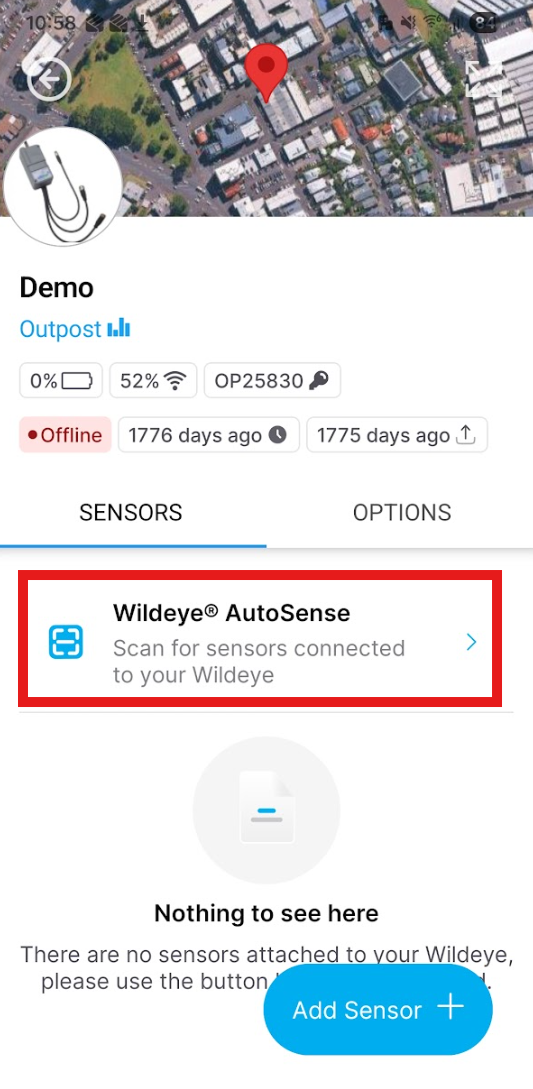
You can find the AutoSense in the app under the Sensors tab of a particular logger:
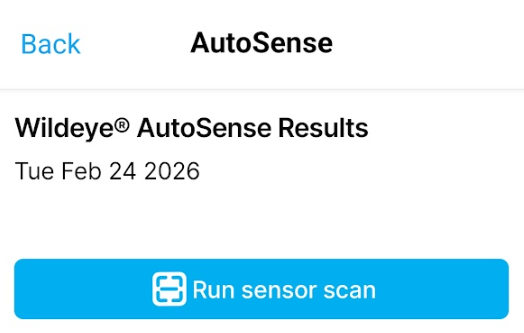
You then initiate the AutoSense process by clicking the “Run sensor scan” button in the App:
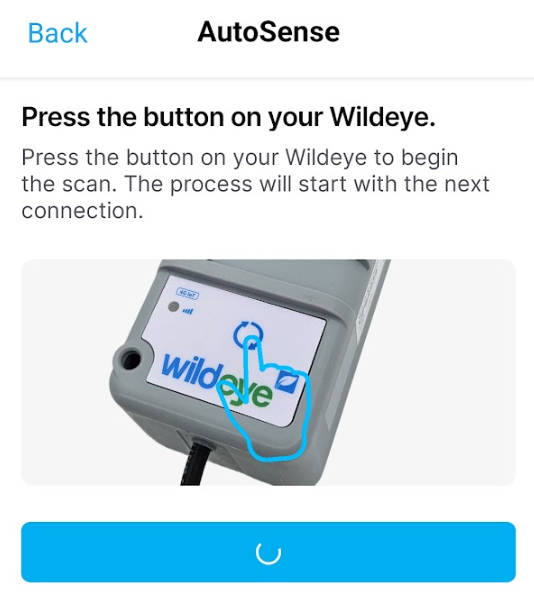
And pressing the front button on the logger: